Pulse — Private AI Coding Workspace
Local-first AI building workspace

Pulse — Private AI Coding Workspace

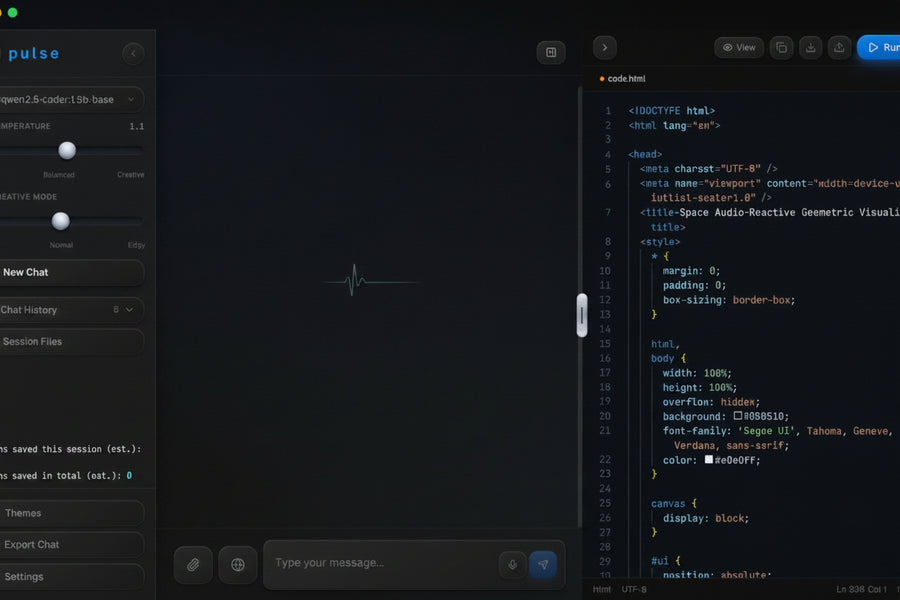
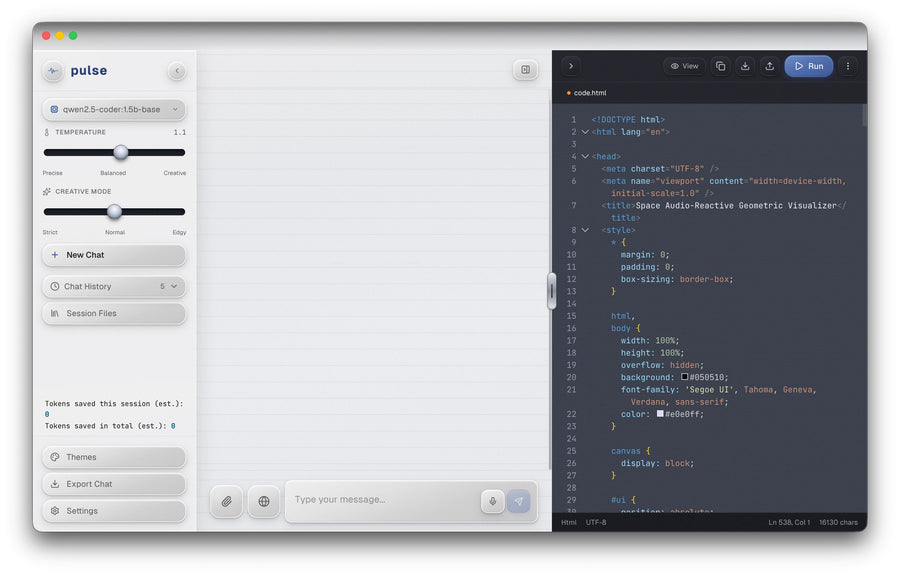
Bring an idea into a local project you can inspect and refine. Chat, edit code, live-preview results, use voice, and keep conversations and project context on your computer.

One-time purchase
$39once
  • Pulse desktop application for macOS and Windows
  • No monthly Pulse subscription
  • Bring your own API keys
  • Local conversations and project context
  • Download instructions by email after checkout

Pulse does not include AI-provider credits. Usage is billed separately by the providers you connect.

Bring an idea into a local project you can inspect and refine.

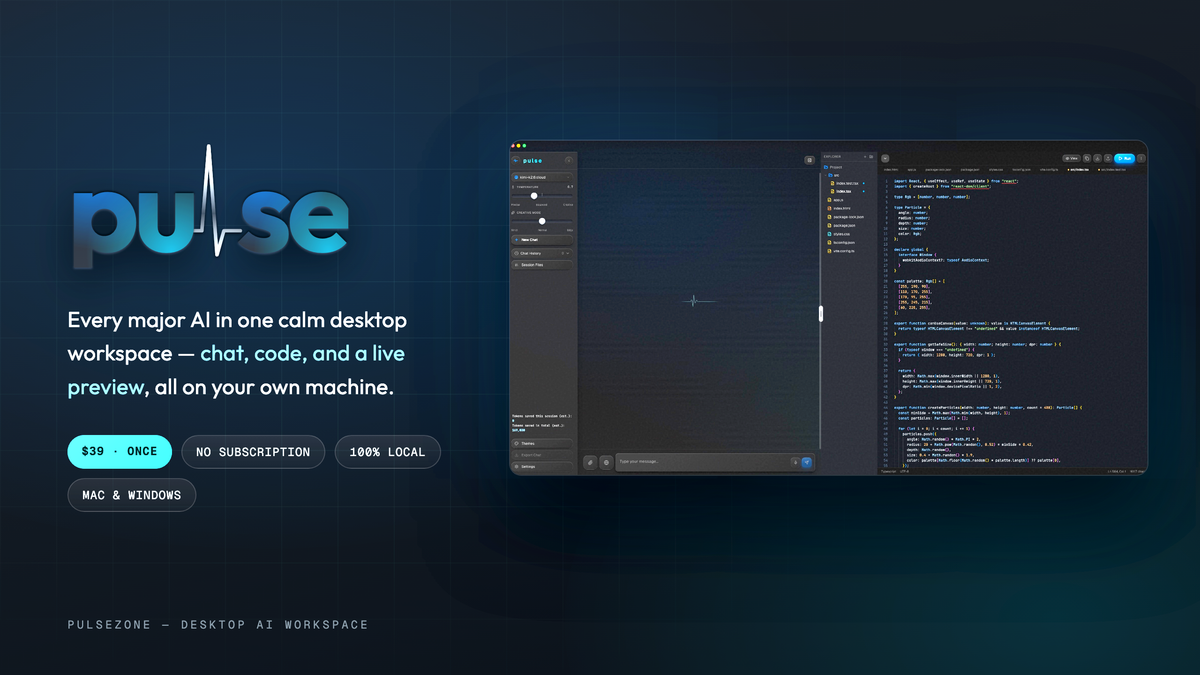
Pulse is a local-first desktop workspace for building with AI. Chat with Claude, GPT, Gemini, Grok, or local Ollama models, edit code, live-preview results, use voice, and keep conversations and project context on your computer.

Pulse is a $39 one-time purchase. There is no monthly Pulse subscription. You bring your own API keys, choose the providers you want to use, and those providers bill their own usage directly through your accounts.

Read how Pulse works before you buy.

What you can do in Pulse

  • Keep the build loop together — chat, edit code, and live-preview results in one focused desktop workspace.
  • Choose your AI — connect Anthropic (Claude), OpenAI (GPT), Google (Gemini), xAI (Grok) with your own API keys, or run local models through Ollama. Switch mid-project.
  • Keep your project context local — Pulse is designed to store conversations and project context on your computer.
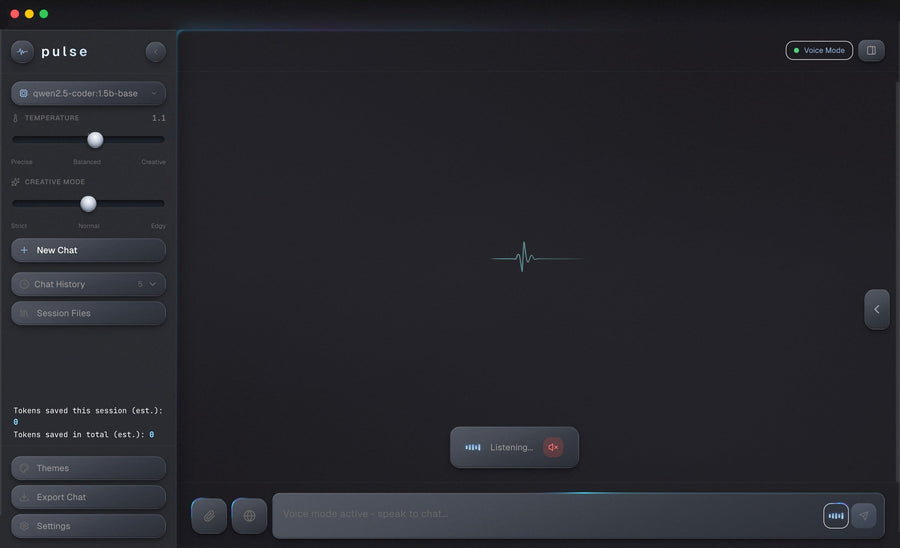
  • Use voice when it is faster — speak naturally while you work.
  • Keep useful context close — preserve preferences and project context between sessions.

System requirements

  • macOS: 12 Monterey or later — Apple Silicon and Intel.
  • Windows: Windows 10 or later, 64-bit.
  • Memory: 4 GB RAM minimum, 8 GB recommended. Local Ollama models need 8 GB minimum, 16 GB recommended.
  • Storage: about 500 MB for Pulse, plus space for any local AI models you download.
  • Internet: required for cloud providers. Not required for Ollama local models.

Before you buy

  • One-time price: $39 for the Pulse desktop workspace; no monthly Pulse subscription.
  • AI-provider costs: separate and billed by the providers you connect through your own accounts. Ollama local models are free to run.
  • API keys: you need your own keys for any cloud provider you choose.
  • Delivery: your license key is delivered automatically by email right after checkout.

Refunds and support

Pulse is for beginners, vibecoders, and independent developers who want a calmer, more deliberate way to build with AI without being locked into a single model ecosystem.

Why Pulse

A local-first workspace for the work between idea and preview.

Pulse keeps the parts of an AI-assisted build close together: the conversation, the code, the visible result, and the project context you want to keep.

Private by design

Keep conversations and project context stored locally on your computer.
Model freedom

Connect the supported providers you prefer instead of being locked into one ecosystem.

</>

Keep the result in view

Chat, edit code, and live-preview from one focused desktop workspace.

Before you buy

Clear on what you own and what you connect.

Is this a subscription?

No. Pulse is a $39 one-time purchase. There is no monthly Pulse subscription.

What does the $39 purchase include?

Your purchase includes the Pulse desktop application for macOS and Windows, with chat, code editing, live preview, voice, and local project context. AI-provider usage is separate.

Do I need my own API keys?

Yes. Pulse is the workspace. You connect the supported AI providers you choose using your own API keys.

Do I pay AI providers separately?

Yes. Provider access and usage are billed by the providers you connect through your own accounts.

Where are my conversations stored?

Pulse is designed to keep conversations and project context locally on your computer.

Which computers does Pulse support?

Pulse is available for macOS and Windows.

How is Pulse delivered?

Download instructions are sent by email after checkout.